Geometry Arrow
Recommend For You












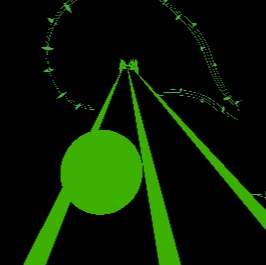



















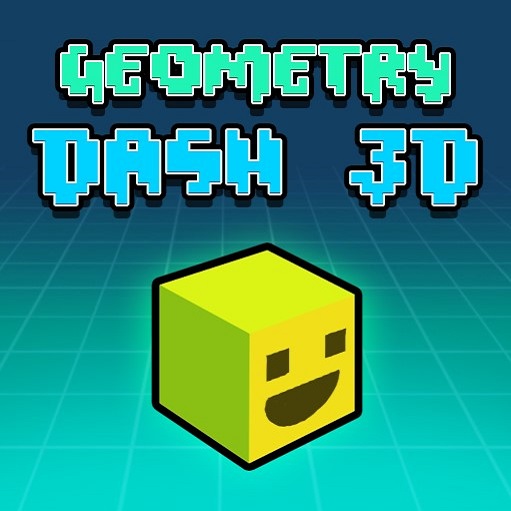






























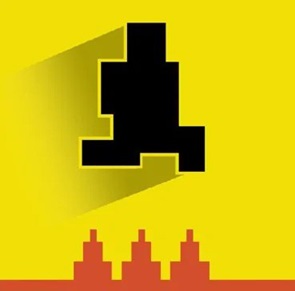












Geometry Arrow is an exciting online action game that tests your reflexes, timing, and precision. Unlike classic Geometry Dash SubZero, this game focuses on guiding a fast-moving arrow through waves of spikes and other obstacles. With minimalist design and one-touch controls, Geometry Arrow offers a pure, skill-based gaming experience that challenges even the most experienced players.
The Core Gameplay of Geometry Arrow
Automatic Forward Movement
The arrow in Geometry Arrow moves forward automatically, creating a sense of urgency from the very start. Similar to the ball in Slope, once the game begins, your arrow keeps moving without pause. Players must react quickly to avoid obstacles and navigate through tight spaces, making split-second decisions the key to success.
One-Tap Zigzag Control
Unlike platformers where you jump or slide, Geometry Arrow uses a simple but challenging zigzag mechanic:
-
Tap and hold the screen to move the arrow diagonally upward.
-
Release to let it descend.
This intuitive control system is easy to learn but hard to master. Timing your taps perfectly allows you to dodge spikes, moving walls, and rotating shapes with precision.
Obstacle Avoidance
The path is filled with both static and dynamic obstacles, including:
-
Sharp spikes
-
Rotating barriers
-
Moving walls
-
Narrow tunnels
Even a single collision ends your run, which means every movement must be calculated. The game tests your focus, reflexes, and patience at every step.
Features That Make Geometry Arrow Unique
Fast-Paced Action
From the moment you start, the action never stops. This constant forward motion keeps the gameplay thrilling, making Geometry Arrow a must-play for fans of reflex-based challenges.
Minimalist Design
The game’s clean, distraction-free visuals allow players to focus entirely on navigation and timing. There’s no clutter—just pure skill-based gameplay that challenges your precision.
Multiple Levels
Geometry Arrow offers multiple levels of increasing difficulty. Beginners can start on easier stages to practice, while advanced players can tackle harder levels that demand lightning-fast reflexes. Each level ends with a portal, marking your success in completing the challenge.
How to Play Geometry Arrow
Controls
-
Mobile: Tap the screen to control the arrow’s movement.
-
PC: Click the mouse to guide your arrow through obstacles.
Objective
The primary goal is simple: guide your arrow safely to the finish line. Avoid all spikes and obstacles, as even one collision will end your run. Perfect timing, patience, and quick reactions are essential for mastering the game.