Geometry Jump
Recommend For You











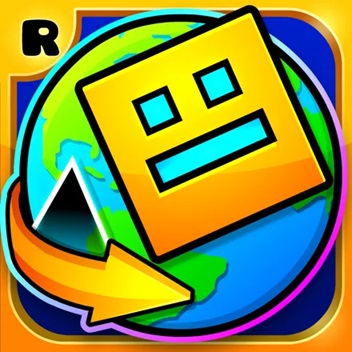





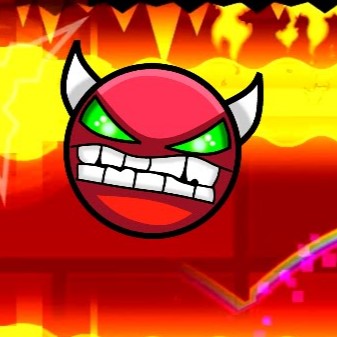




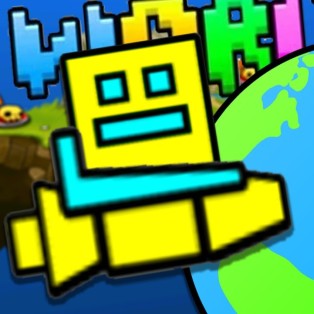








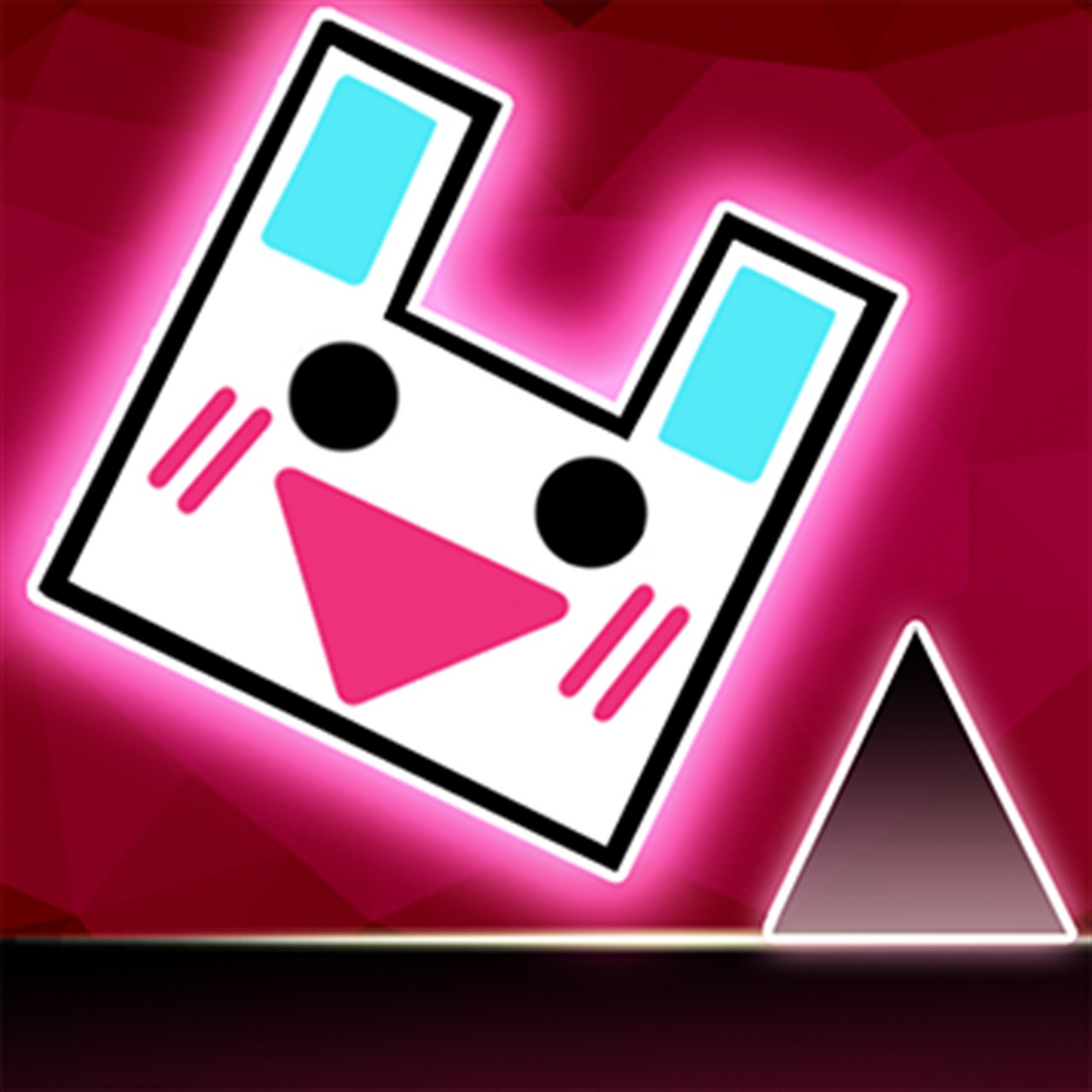


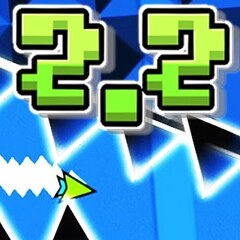














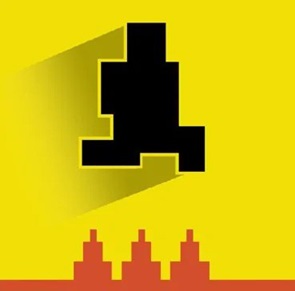










Master jumps and dodge obstacles in Geometry Jump! Test your reflexes and strategy in this thrilling platformer inspired by Geometry Dash.
How to Play Geometry Jump: Tips and Tricks
After enjoying fast-paced running games, you might be ready for a challenge with Geometry Jump, a thrilling platformer that tests your reflexes and timing.
How to Control Your Character
To play Geometry Jump, mastering your character’s movement is essential. You can control your character using:
-
UP ARROW
-
SPACEBAR
-
LEFT-CLICK
These controls allow you to jump at any moment, making it simpler than games like Only Up, where multiple keys are required. Each jump is consistent in height, giving you the advantage to plan your moves and navigate obstacles strategically.
Be aware of jumping pads and rings. These special items give your character extra height or distance, adding a dynamic twist to your gameplay.
Obstacles in Geometry Jump
You’ll encounter familiar obstacles such as spikes, blocks, and slopes, popular among Geometry Dash fans. The challenge comes not just from individual obstacles but from their combinations, forming complex trap mazes. Quick reflexes and careful observation are key to surviving and progressing.
Tips to Improve Your Gameplay
-
Focus on practice and control: Spend time mastering the jump mechanics.
-
Try Geometry Lite, another version of Geometry Dash, to refine your skills.
-
Engage in other speed-focused games, like Drift 3, which help improve your timing and coordination.